Template Workflow
By treating templates as critical software assets rather than casual documents, you ensure that printing is repeatable, safe, and fully auditable.
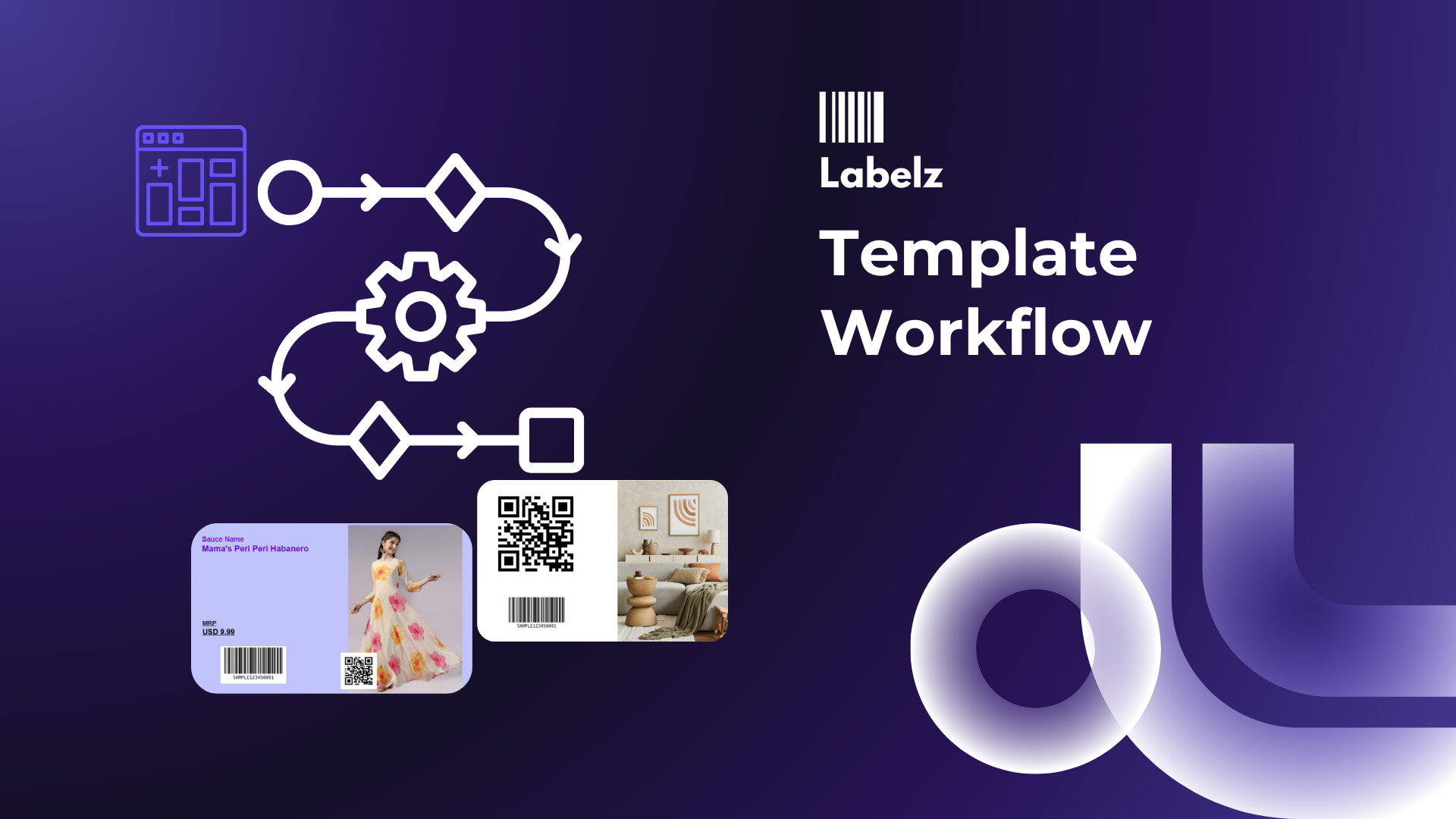
Template Workflow: Start → Build → Test → Lock → Reuse
What it is
The Template Workflow is a standardized lifecycle for your labels—ensuring that every design moves through a rigorous process of creation, validation, and locking before it ever hits the warehouse floor.
By treating templates as critical software assets rather than casual documents, you ensure that printing is repeatable, safe, and fully auditable.
Why it matters
Most label failures aren't system bugs; they are human errors caused by "operational drift." Common disasters include:
- "The Nudge": Someone accidentally moved a text field 2mm to the right, and now it prints off the edge.
- "The Swap": Someone changed the barcode type from Code-128 to QR without authorization.
- "The Wrong File": An operator printed a "v1_draft" instead of the approved "v2_final."
How it works (The Recommended SOP)
Draft
The designer builds the layout using sample data. The focus is on the internal checklist: Is the barcode scannable? Does the text fit? Is the alignment correct for the stock?
Test Print
Never approve a digital file. Print 3–5 physical labels on the target printer. Verify that spacing, margins, and cut alignment work in the real world.
Publish (Lock)
Mark the template as "Approved." Crucially, lock the design elements so operators can only print, not edit. This freezes the layout for production.
Reuse & Iterate
Operators print the locked file. If a change is needed, do not unlock it. Duplicate it to create a new version (v2), leaving v1 intact for historical audits.
Controls & Audit Behaviors
To enforce this workflow, document the following permissions and rules:
- Who can Lock/Unlock? Only Admins or Lead Designers should have the key. Operators are "Read-Only" users who can execute print jobs but cannot modify the template structure.
- Change Request Protocol If a label needs an update, how does the floor request it? Define a formal channel so changes are tracked, not made on the fly.
- Print Log Connection Ensure your print logs record the specific Template Version used (e.g., "Printed 500 copies using Shipping_Label_v3"). This is your best defense during compliance audits.