Turn Packaging Designs into Labels
Labelz can turn packaging labels into serialized barcode encoded EAN labels. Import your design and generate labels in bulk
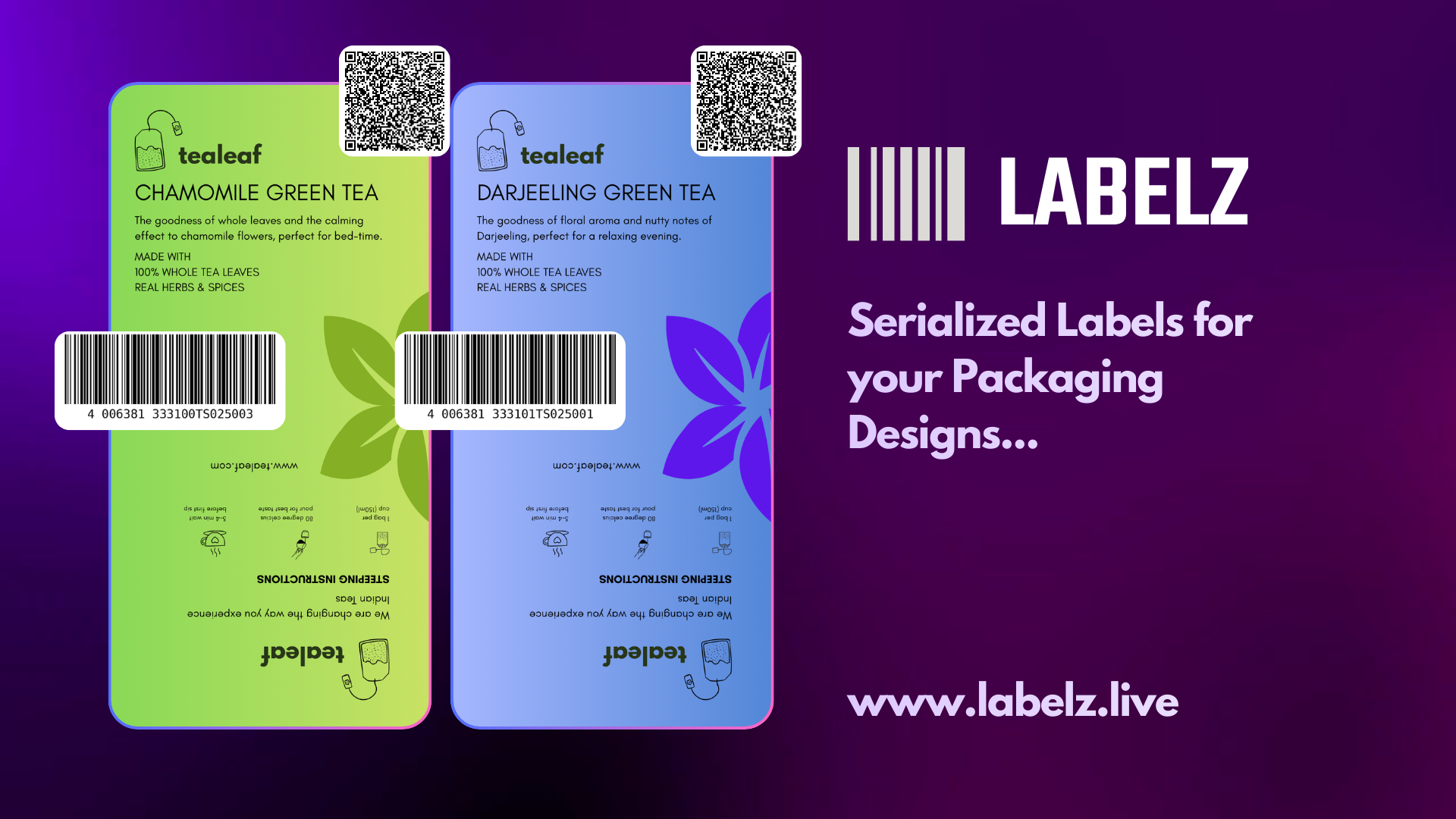
The Use Case
You already have beautiful, brand-approved packaging designs from your design teams. But printing them with generic barcodes is a missed opportunity—they offer no use other than basic compliance.
Why it matters: Labels are an important toolkit to turn ghost inventories into real analytics. The key is serialized labels.
With Labelz, you can seamlessly turn any static packaging design into intelligent labels equipped with serialized barcodes and dynamic info QRs. Turn them into trackable asset tags and print them in bulk.
How to Do It (The Workflow)
Follow these exact steps to bridge the gap between your design files and dynamic print generation:
Export & Setup
- Get your design measurements and export the clean design file from your creative tool.
- On Labelz, go to your workspace and create a new template with the exact physical measurements, then select your printer's target DPI.
Design & Align
- While designing the template, create a background field and add your dynamic barcode and QR fields on top of it.
- Note: The background field acts as the anchor holding the visual info for your entire design.
- Preview the canvas and carefully check the alignment of all fields over your background.
Data & Generation
- Navigate to "Generate Labels" and select either Single label or Multiple Labels.
- If Multiple, download the template CSV file and fill in the serialized values in the sheet.
- Upload the filled file back to Labelz, and the system will automatically take care of the bulk generation.
The Result
By completing this process, you now have perfectly branded packaging featuring serialized barcodes and info QRs, produced securely in your exact custom quantity.