What is Labelz?
Labelz is a on drag and drop label design and barcode serialization tool. It helps you create designs and generate labels in one operational layer and manage analytics.
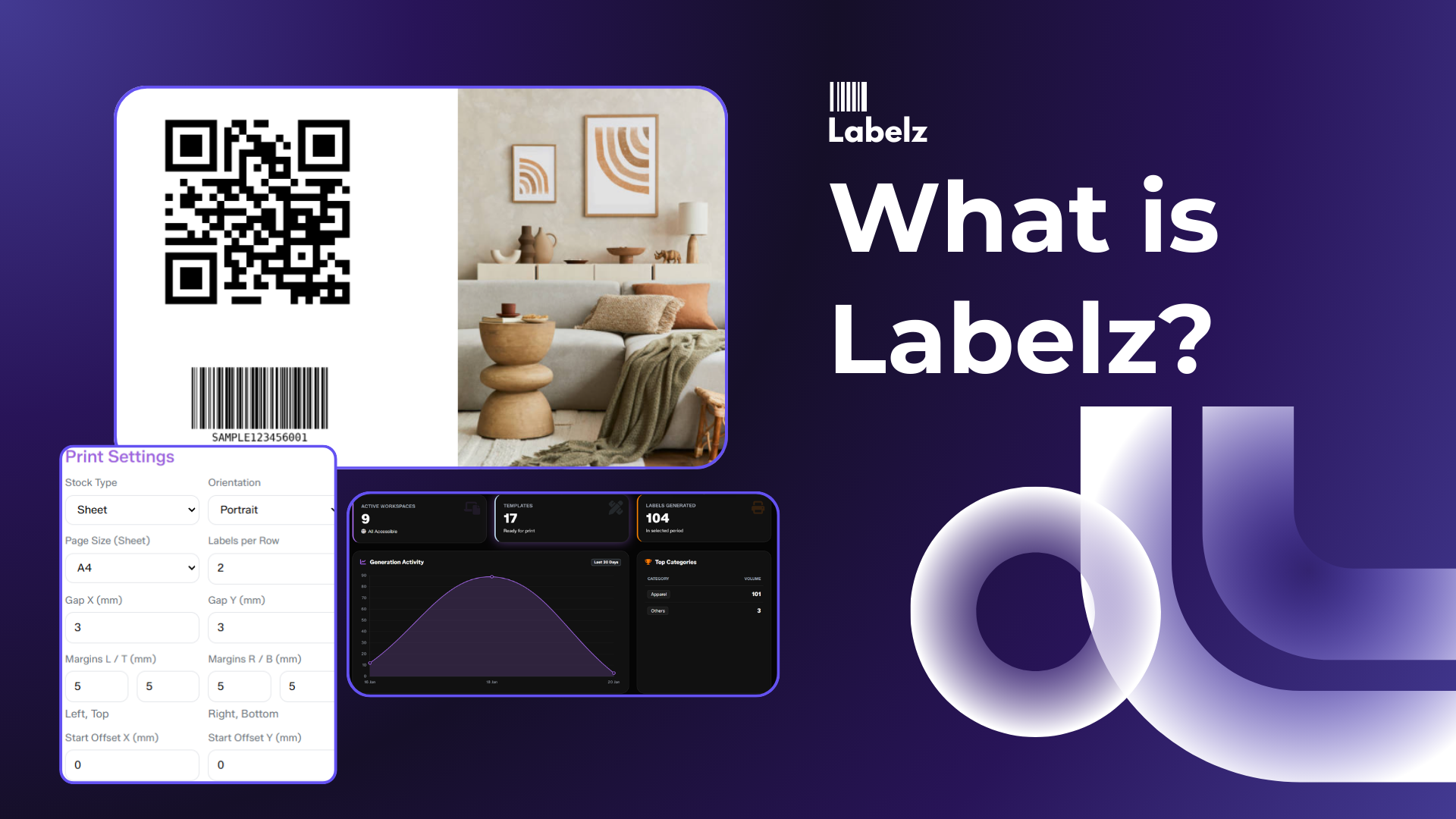
Labelz is a label design and data-driven printing system. It helps teams create label templates once and then generate and print accurate labels at scale using spreadsheet or system data.
It supports barcodes and QR codes natively and can extend into item-level traceability and distributed printing across supply chain stakeholders.
Why it matters
Labeling is deceptively expensive. Companies often face three core challenges:
- Manual tools limit precision: Tools like Word or Excel aren’t built for label constraints—such as tiny canvases, barcode quiet zones, thermal printer DPI requirements, or repeat printing logic.
- Scale introduces error: High volume often leads to wrong SKUs printed, incorrect barcodes, misaligned sheets, or inconsistent brand designs across different locations.
- Distributed supply chains: Printing often needs to happen at manufacturer, distributor, or importer sites, but uncontrolled access breaks governance and security.
The Solution: Labelz works as an operational layer to enable unique QR labels per piece, tracking across the supply chain, and printing anywhere with role-based access.
How it works (Mental Model)
Think of the system in three distinct building blocks:
Design (Template)
Create a reusable label template in a designer interface similar to Canva or Adobe, but specifically built for label sizing and industrial printing constraints (not general documents).
Data (Variables)
Attach spreadsheet or system data so every row becomes a unique label. Map variables like product name, SKU, MRP, barcode value, and QR value dynamically.
Print (Batch job)
Print or export in bulk while maintaining strict controls, such as locked templates to prevent accidental edits and print logs for accountability.
Outputs
When using the system, you generate four key assets:
- Templates: The master design files.
- Datasets: The imported tables or connected data sources.
- Print jobs: The actual batch print/export actions combined with their metadata.
- Audit & logs: A history of who printed what, when, and using which template version.